
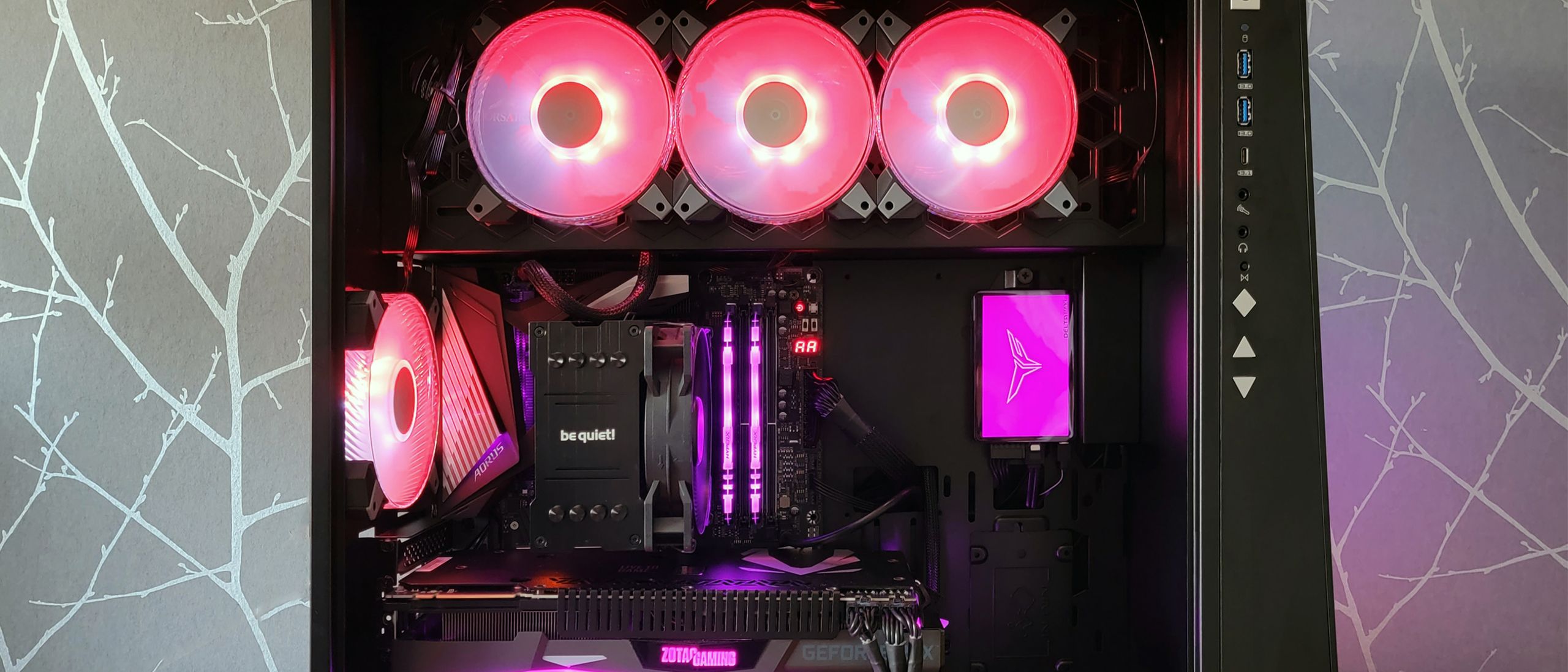
Windows 11 Instability Linked to RGB Software
Windows 11 users have recently encountered unexpected system instability, including frequent blue screens (BSODs), game crashes, and freezing. The culprit? According to Microsoft, RGB software used to control lighting on peripherals like keyboards and mice is interfering with the operating system, leading to these disruptive issues.
Breaking Down the Windows 11 RGB Software Issue
The trouble emerged after the rollout of the Windows 11 KB5121003 update. Users reported that games such as Arc Raiders, Marvel Tokon: Fighting Souls, and The Finals began to crash or freeze, sometimes resulting in an “EXCEPTION_ACCESS_VIOLATION” blue screen error. Microsoft investigated and revealed that the instability is specifically tied to peripherals or internal device components equipped with RGB lighting features.
These RGB-enabled devices rely on specialized software and drivers—often identified by file names like “inpoutx64”—to manage lighting effects. When a user launches certain games, this driver may conflict with the system, causing critical errors. The RGB software attempts to communicate with the hardware, but if the driver operates in kernel space (the most privileged level of the system), it can trigger a cascade of faults if blocked or terminated unexpectedly.
Technical Details: Why RGB Software Triggers Blue Screens
Normally, software for hardware peripherals should run in user space, minimizing the risk to core system files. However, many RGB software packages include drivers that interact at a much lower level, accessing kernel space. Anti-cheat systems used by online games often flag this behavior as suspicious, since malicious software can exploit such drivers to inject harmful code or bypass security checks.
When anti-cheat software detects the RGB software driver in kernel space, it may block or terminate it. If this happens while the driver is actively controlling lighting effects or reading sensor data, it can cause a kernel fault. Since kernel-level errors are difficult for the operating system to recover from, Windows 11 responds by displaying a blue screen to protect the hardware and prevent further corruption.
Official Recommendations and Workarounds
Microsoft acknowledges that it is “presently working to understand the relationship between these RGB components and the games which trigger this issue.” In the meantime, the company recommends a temporary fix: users can disable the problematic driver using the Registry Editor. This solution may limit the functionality of RGB peripherals but should restore system stability.
Game developers, such as Embark Studios (creators of Arc Raiders and The Finals), have also advised players to disable the problematic driver. For those who still want to customize their RGB lighting, third-party universal programs like SignalRGB or OpenRGB are a safer alternative. These applications use more restrictive drivers that are typically whitelisted by anti-cheat systems, reducing the risk of triggering blue screens or crashes.
How to Report and Prevent Future Issues
Microsoft encourages users experiencing these problems to submit feedback through the Feedback Hub. This helps the company prioritize and investigate widespread issues. As a best practice, users should always ensure their drivers and RGB software are up to date and compatible with the latest version of Windows 11. If you rely heavily on RGB customization, consider using widely supported universal tools rather than proprietary software bundled with hardware devices.
Conclusion: RGB Software and Windows 11 Stability
The recent surge in system instability for Windows 11 users highlights the complex interaction between peripheral software and modern operating systems. RGB software—while enhancing the visual appeal of gaming setups—can introduce critical vulnerabilities if not properly managed. Until Microsoft provides a permanent fix, users are advised to disable potentially problematic drivers and utilize universal RGB management tools to ensure both system stability and a vibrant gaming experience.
This article is inspired by content from Original Source. It has been rephrased for originality. Images are credited to the original source.