

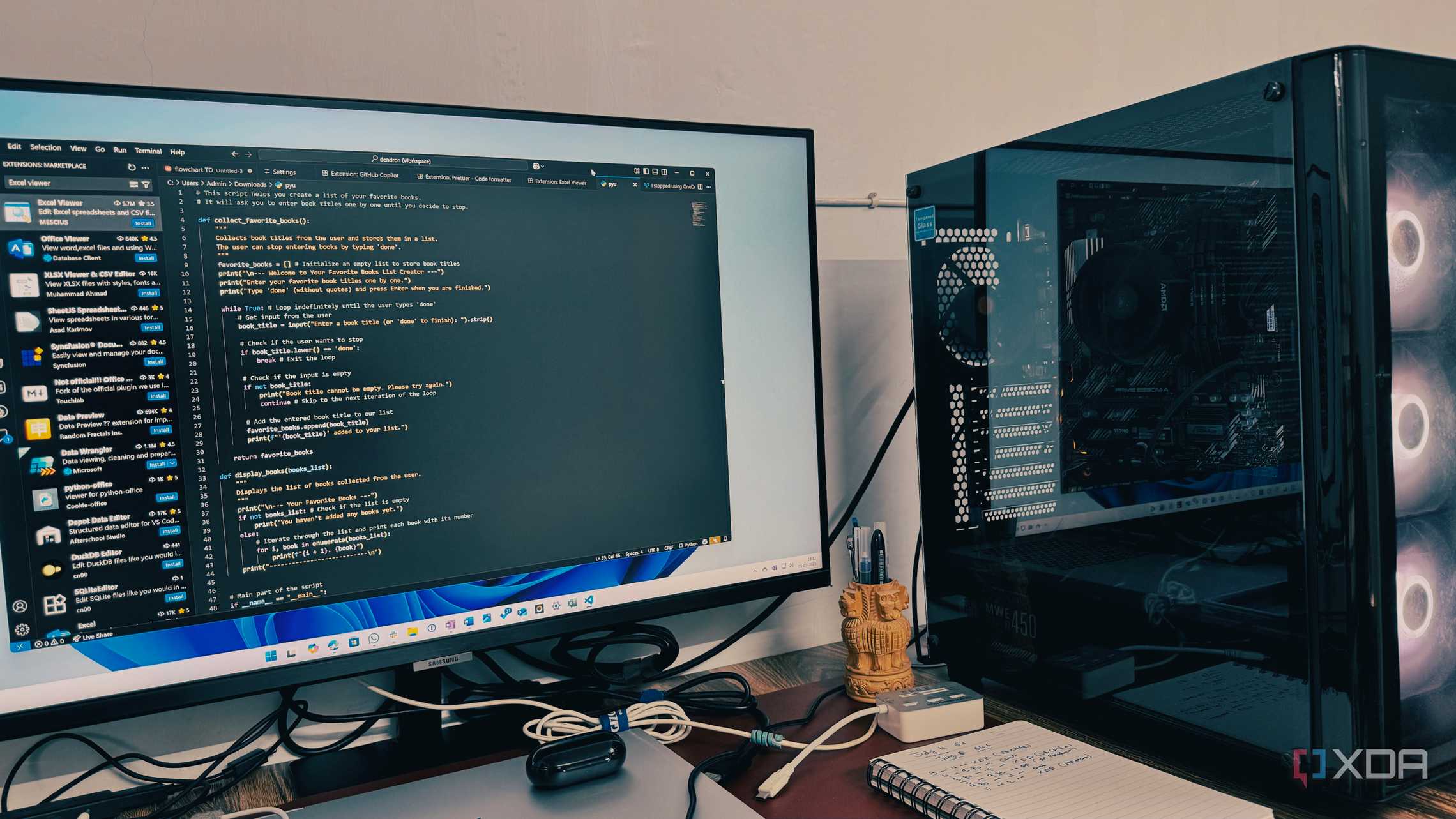
Every developer has their go-to tools, and for many, Visual Studio Code (VS Code) is the undisputed champion when it comes to Python development. It’s not just the editor itself that makes the difference; it’s the carefully curated collection of extensions that transforms a good coding environment into a great one. After experimenting with many, here are the extensions that can make coding in Python seamless, intuitive, and more enjoyable.
GitHub Copilot: The Game Changer
GitHub Copilot has become indispensable in Python development within VS Code. It enhances coding speed, aids in learning, maintains the productive flow, and ensures a smoother and more enjoyable development process.
– Contextual Suggestions : As you start typing a function name, a class definition, or even a comment, Copilot often displays accurate and complete code snippets instantly.
– Integrated Chat : The Copilot Chat feature allows you to highlight a block of Python code and ask for explanations or modifications, making it a powerhouse tool.
Ruff: The Fast Python Linter
For Python developers, Ruff, a fast Python linter and code formatter, is garnering significant attention.
– Speed : Unlike traditional linters like Flake8 or Pylint, Ruff offers immediate feedback, catching errors and style violations as you write.
– Comprehensive Features : It supports consistent code formatting, automated fixes, and a wide-ranging rule set.
Jupyter Extension: Seamless Notebook Integration
The Jupyter extension integrates the power of Jupyter Notebooks directly into the VS Code environment.
– Unified Workspace : Create, open, and work with .ipynb files alongside Python scripts without switching to a browser.
– Rich Features : It offers integrated debugging, rich visualizations, and seamless integration with VS Code’s ecosystem.
Better Comments: Highlight What Matters
While not Python-specific, Better Comments significantly impacts Python development.
– Color-Coded Annotations : Use keywords like TODO, FIXME, or NOTE to highlight important comments, making them stand out.
– Efficient Code Review : Quickly scan your Python files for tasks or warnings with visually distinct comments.
Excalidraw: Visualize Your Ideas
Though unconventional, the Excalidraw extension for VS Code is invaluable at times.
– Visual Clarity : Sketch flowcharts, state diagrams, or data flows to better understand complex algorithms or processes.
– Integrated Tool : Avoid context switching by using this virtual whiteboard tool directly within VS Code.
Python Indent: Perfect Your Code Structure
Indentation is a fundamental aspect of Python’s syntax. While VS Code has built-in indentation features, the Python Indent extension enhances them significantly.
– Smart Indentation : It handles various scenarios where standard auto-indentation might fall short, ensuring consistent code structure.
– Seamless Integration : Recognizes Python keywords and maintains proper indentation effortlessly as you code.
Customizing Your Development Environment
Ultimately, the best development environment is the one that works for you. While these VS Code extensions enhance Python workflow, the beauty of VS Code lies in its vast customizability. Start with these suggestions, experiment with new extensions, tweak settings, and refine your setup.
For more on the latest in tech and development, follow devtechtrend.com.
Note: This article is inspired by content from https://www.xda-developers.com/vs-code-extensions-make-coding-python-easier/ . It has been rephrased for originality. Images are credited to the original source.